

들어가며

디자인학과 전시 웹 사이트를 구축하면서 이미지 서버로 S3를 사용하기로 했다.
Spring Boot 3.3.3 환경에서 S3와 연동하려고 공식 문서와 여러 기술 블로그를 보다보니 주로 AWS SDK for Java, Spring Cloud for Amazon Web Services를 이용하는 두 가지 방법이 있었는데 어떤 차이가 있는지 확실히 알고 도입하고 싶었다.
공식 문서 분석
AWS SDK for Java
AWS SDK for Java
https://docs.aws.amazon.com/sdk-for-java/
docs.aws.amazon.com

우선 AWS SDK는 우리가 이용하려는 Amazon S3를 제공하는 AWS가 공식적으로 제공하는 SDK이므로 신뢰도가 아주 높았고 선택하고 싶었다.
AWS SDK for Java로 S3 연동 시 S3Client 이용
Amazon S3 examples using SDK for Java 2.x - AWS SDK for Java 2.x
Amazon S3 examples using SDK for Java 2.x The following code examples show you how to perform actions and implement common scenarios by using the AWS SDK for Java 2.x with Amazon S3. Basics are code examples that show you how to perform the essential opera
docs.aws.amazon.com
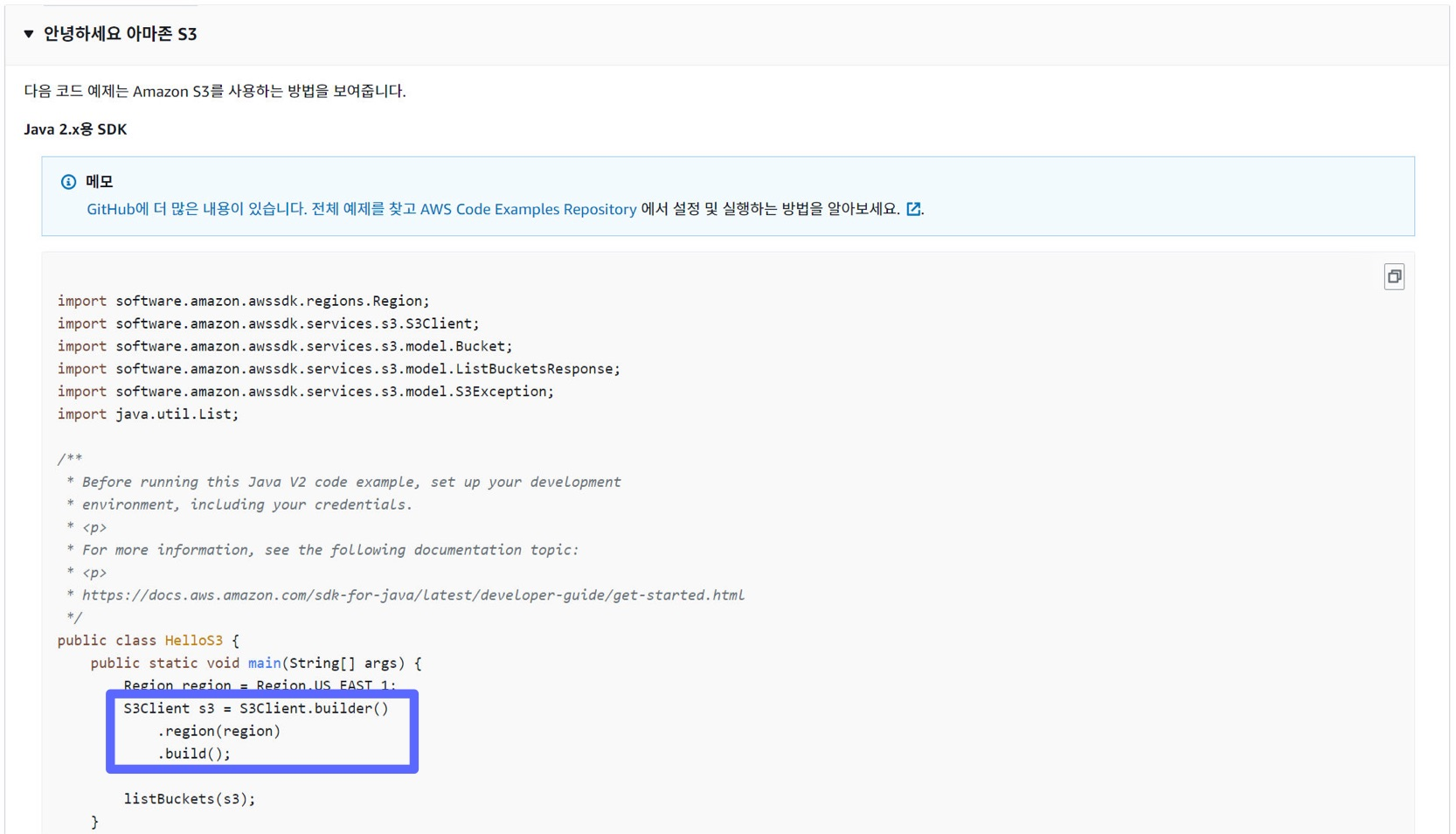
S3Client API Reference Docs
이로부터 AWS SDK for Java Version 2를 이용하여 S3와 연동은 S3Client를 이용하여 가능하다는 것이다.
S3Client (AWS SDK for Java - 2.28.23)
AWS SDK for Java API Reference - 2.28.23
sdk.amazonaws.com

Spring Cloud for Amazon Web Services
Spring Cloud for Amazon Web Services
Spring Cloud for Amazon Web Services
Spring Cloud for Amazon Web Services is a community-run project. The website is https://awspring.io/ and the source repository is located at https://github.com/awspring/spring-cloud-aws. Spring Cloud for Amazon Web Services, eases the integration with host
spring.io
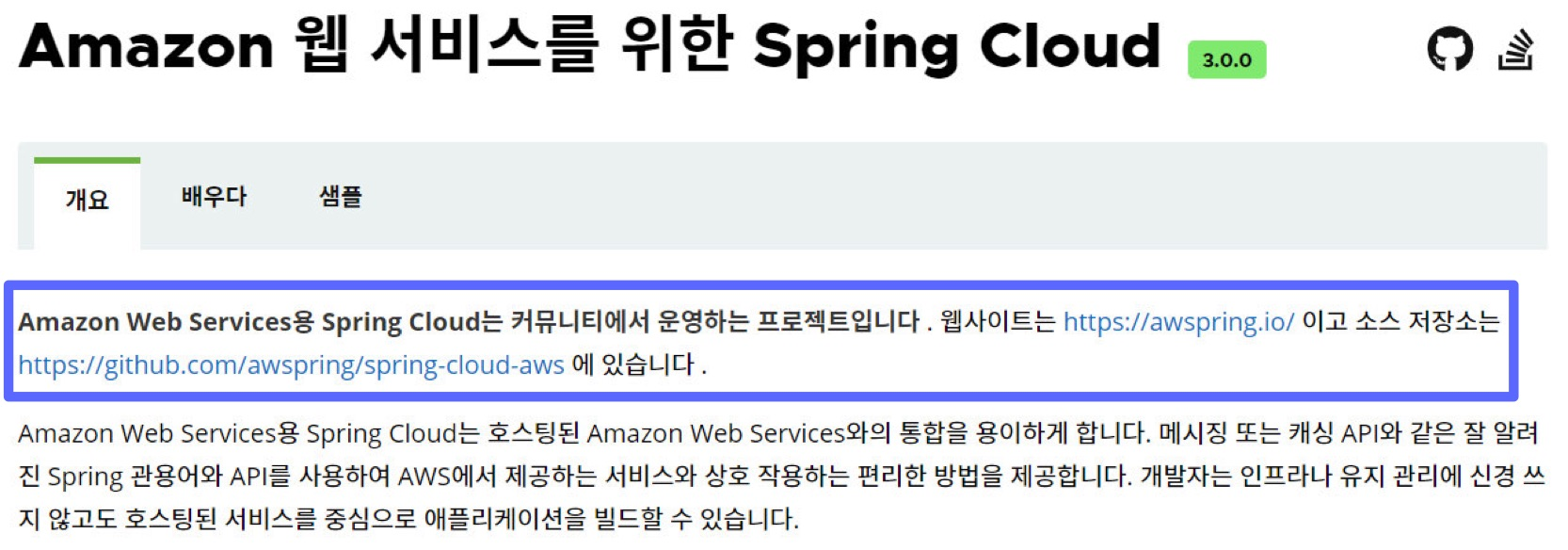
그러나 커뮤니티에서 운영하는 Spring Cloud가 분명히 이점이 있으니 사용될 것이라고 생각했으며 AWS와의 연동을 어떻게 편리하게 했는지 궁금했고 자세히 내부 구현을 보고 신뢰를 할 수 있어야 선택할 수 있다고 생각했다.
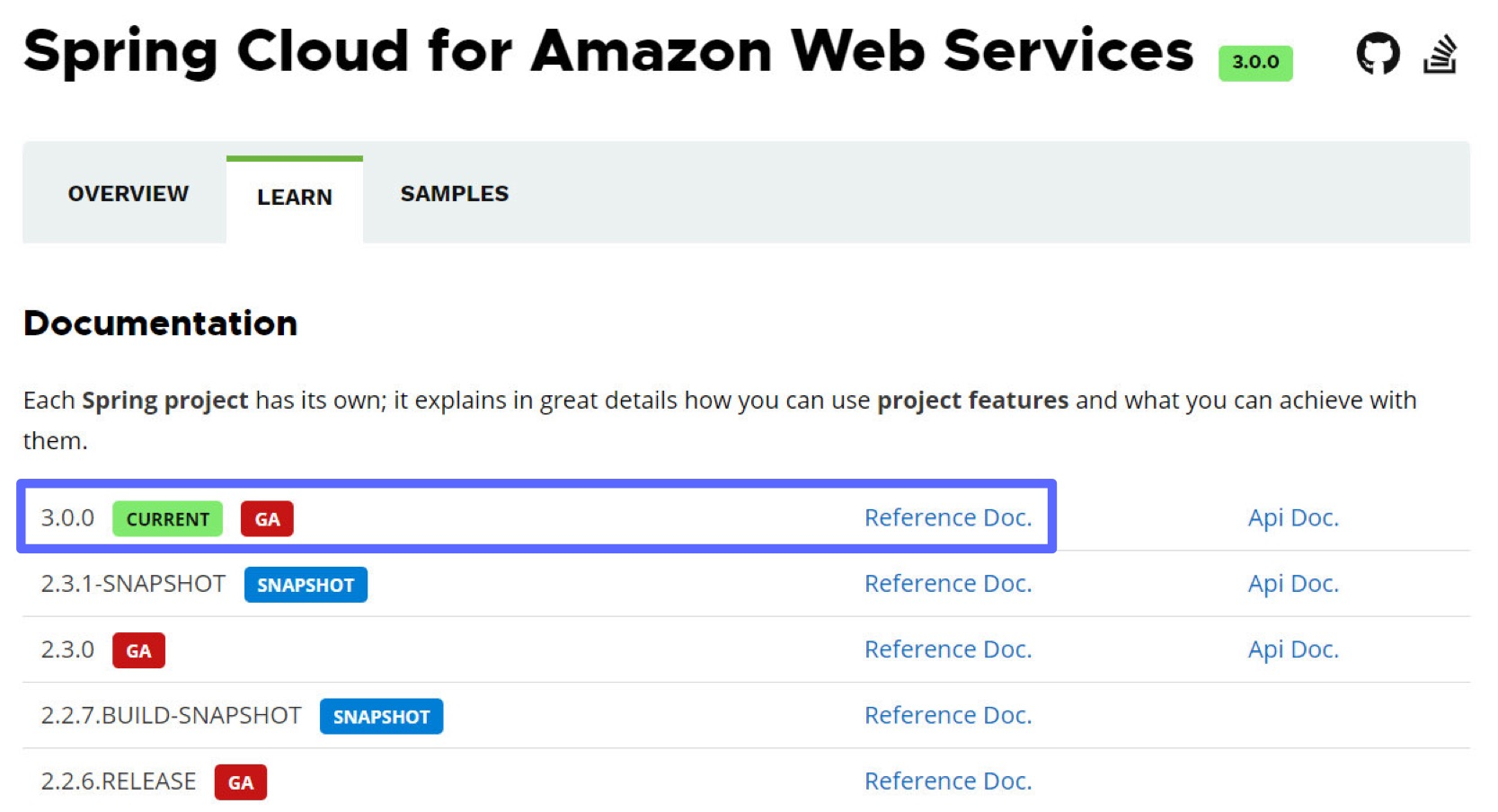
Spring Cloud AWS
Secrets Manager helps to protect secrets needed to access your applications, services, and IT resources. The service enables you to easily rotate, manage, and retrieve database credentials, API keys, and other secrets throughout their lifecycle. Spring Clo
docs.awspring.io
GA(General Availability)을 선택하면 될 것이고 Reference Doc의 S3 부분을 보면 된다.
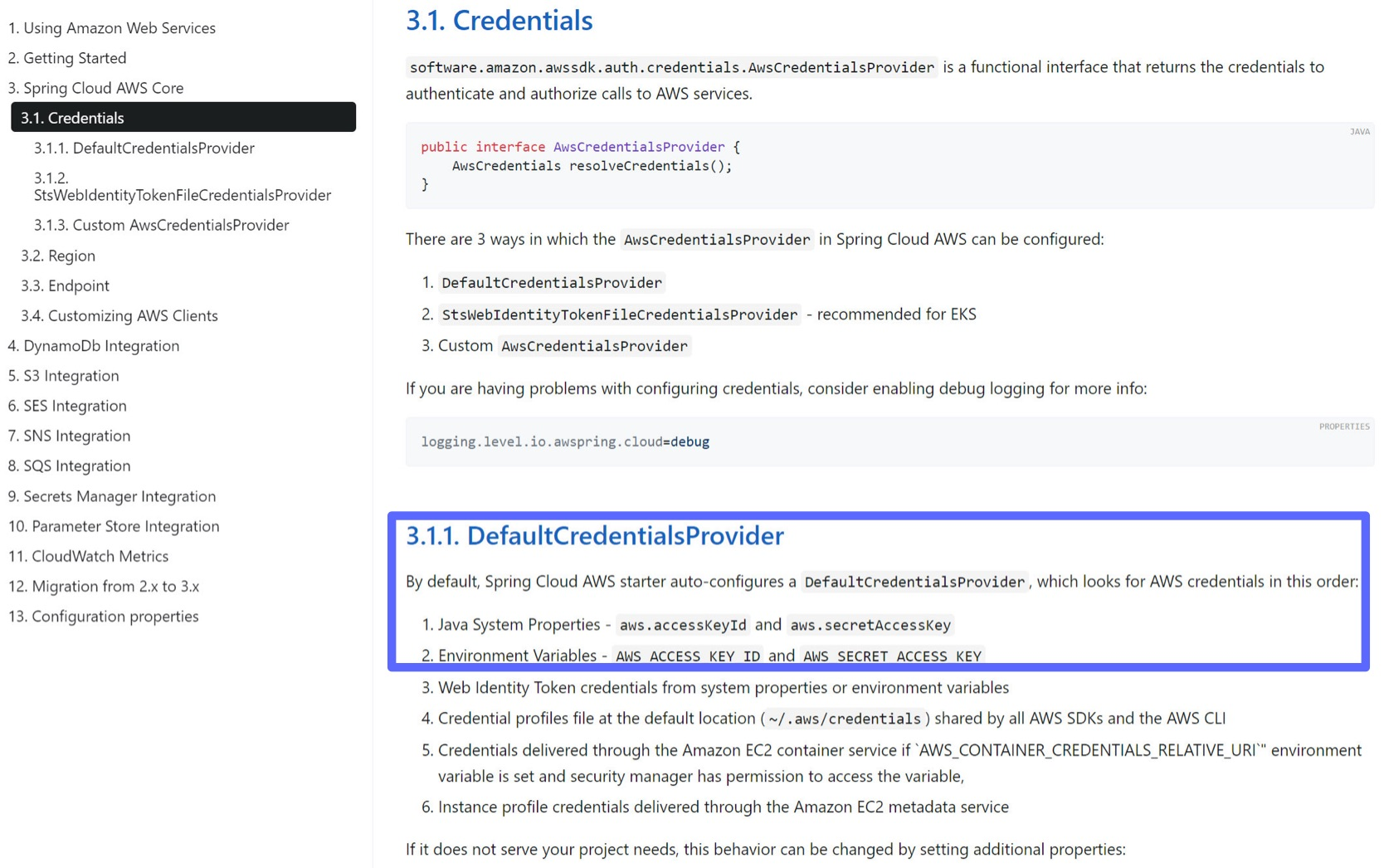
AWS Access Key, Secret Key 등 자격증명 자동 공급
우선순위에 따라 자격증명을 찾는 DefaultCredetialsProvider을 자동 구성하니 AWS SDK만을 이용할 때 작성하던 Config 파일을 작성하지 않아도 된다는 이점이 있다.
S3Client 이용
S3 관련 의존성을 추가하면 S3Client 빈이 자동으로 추가된다고 한다.
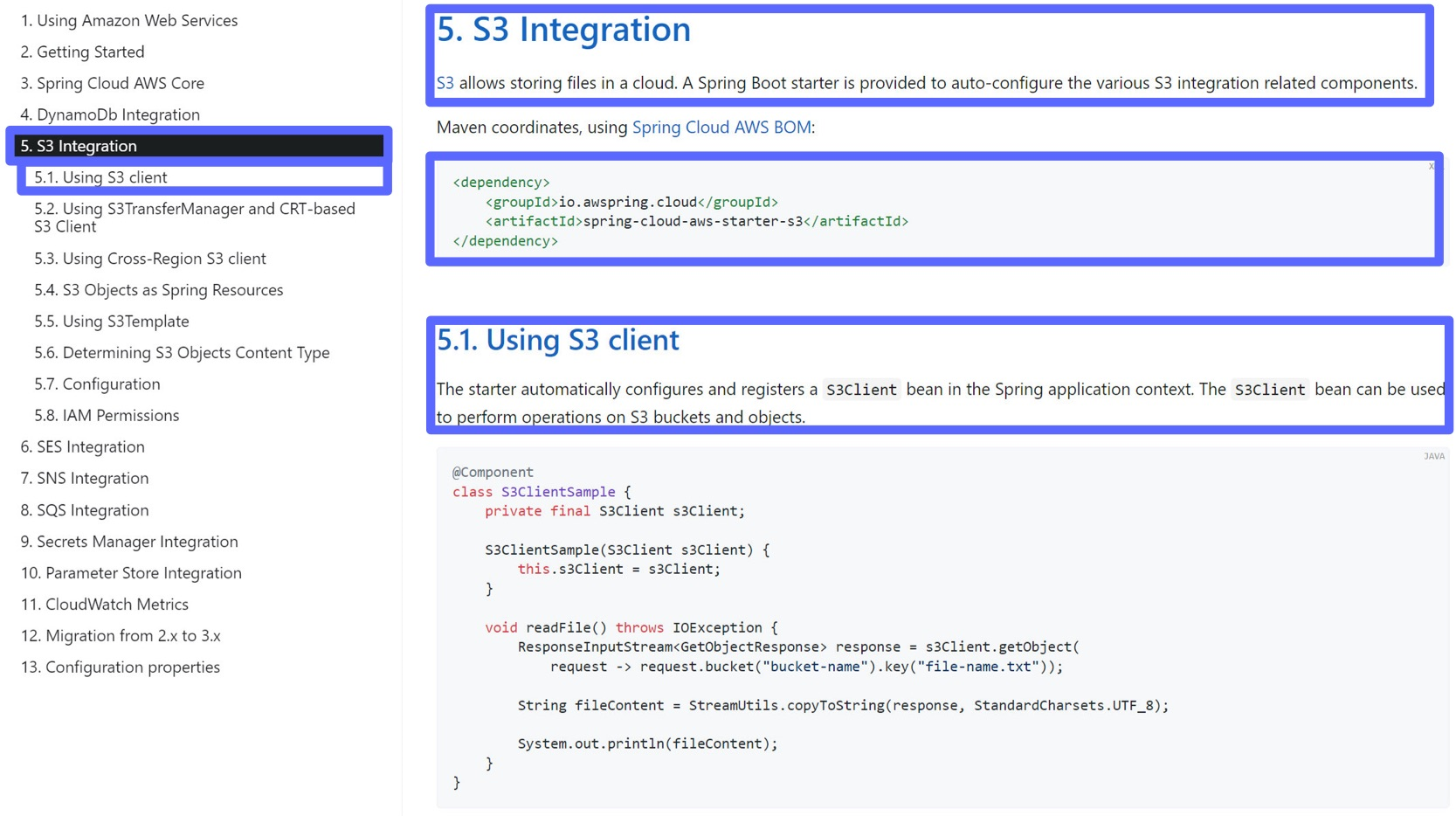
S3Template 이용
사실 이전 AWS SDK에서도 등장하고 Spring Cloud에서도 등장하는 S3Client가 있는데 S3Template이 나온다니 여기서 고민이 많이 될 것이라 생각한다.
설명을 보면 S3Client보다 가벼운 메소드를 제공하며 상위 수준의 추상화를 제공한다고 한다.
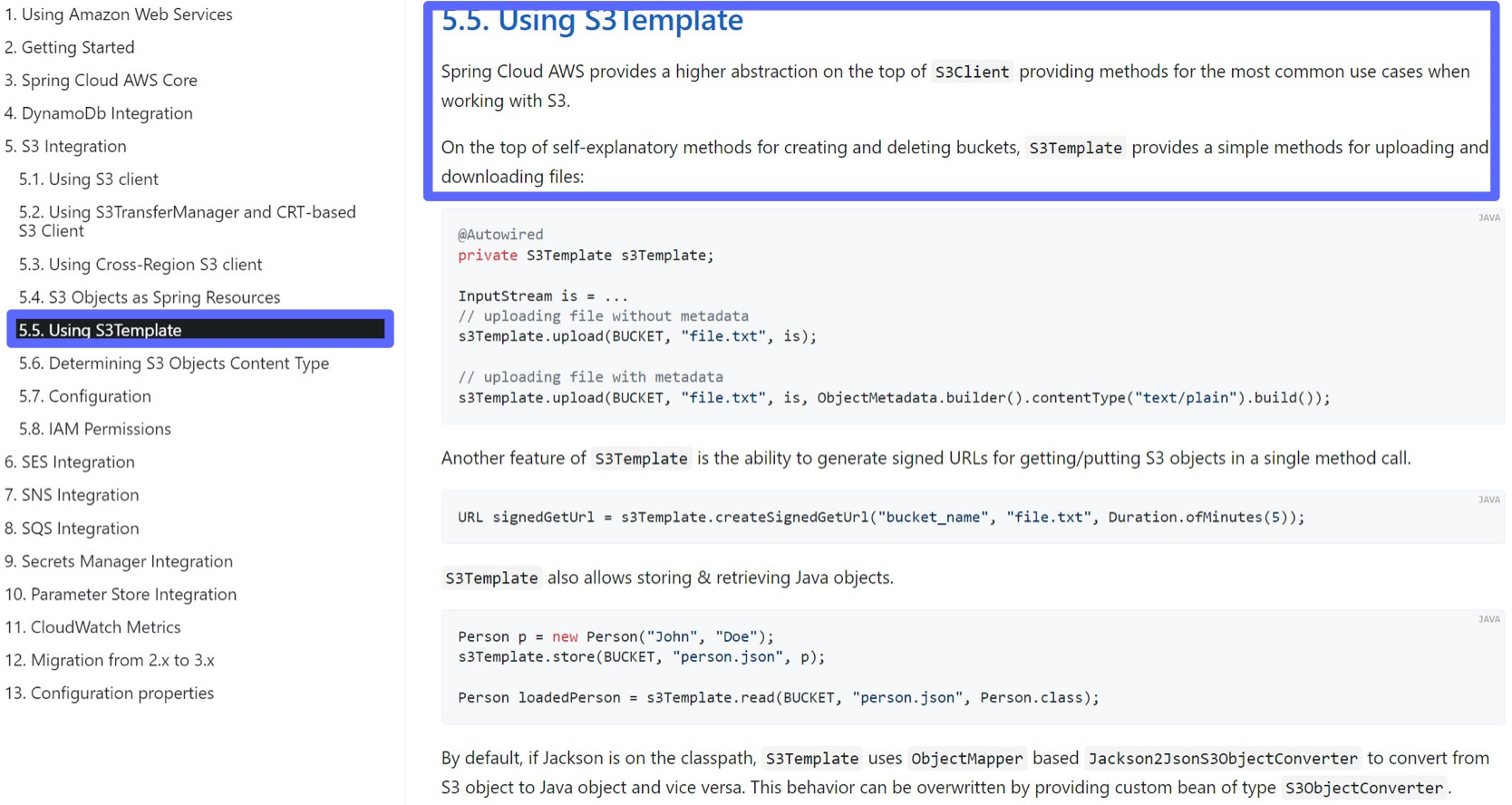
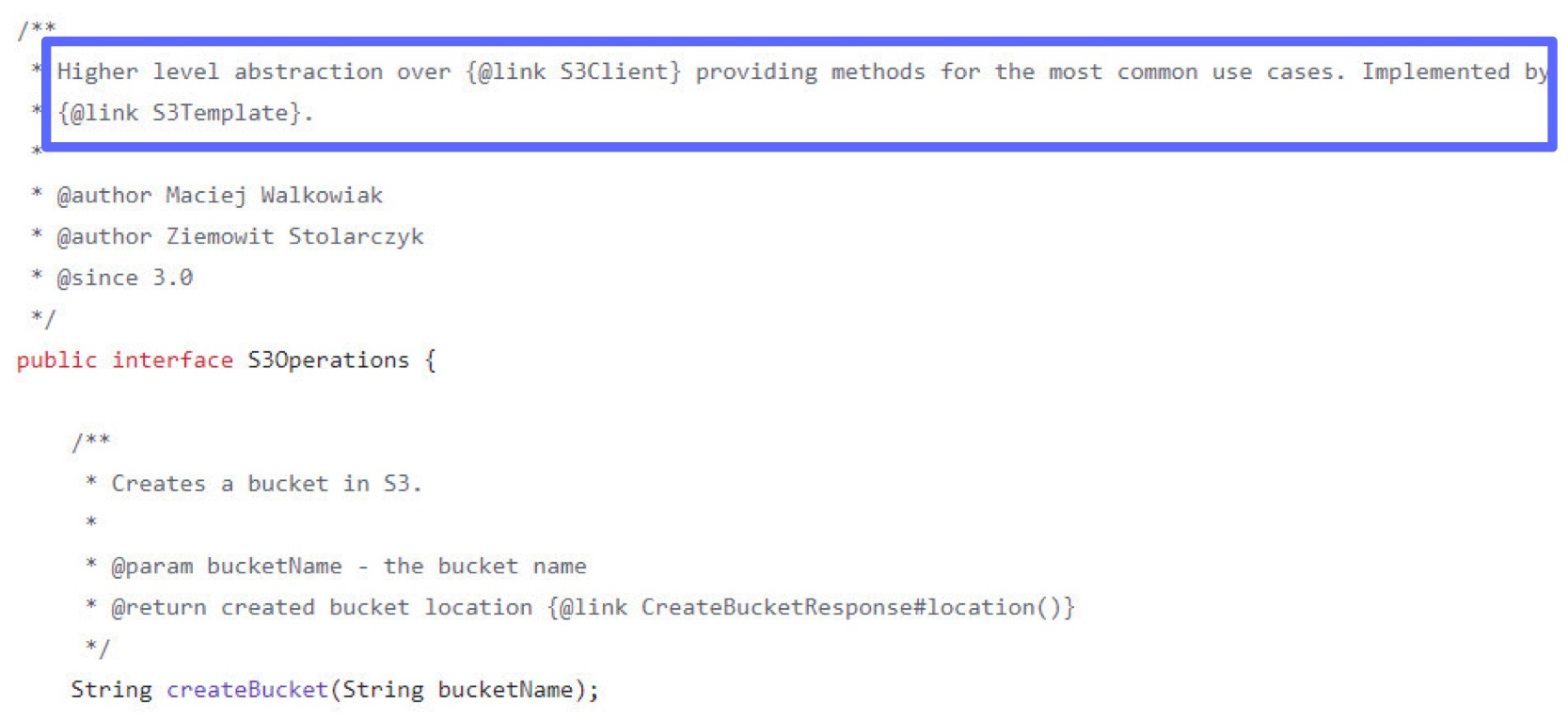
S3Template In Spring Cloud Community GitHub
커뮤니티 공식 깃허브에서 S3Template을 찾아보니 S3Client보다 더 상위 수준의 추상화인 S3Operations 인터페이스를 찾을 수 있었고 S3Template이 이를 구현한다는 것을 알 수 있었다.
이제 어떤 클래스를 사용해야할지 감이 잡힌다.
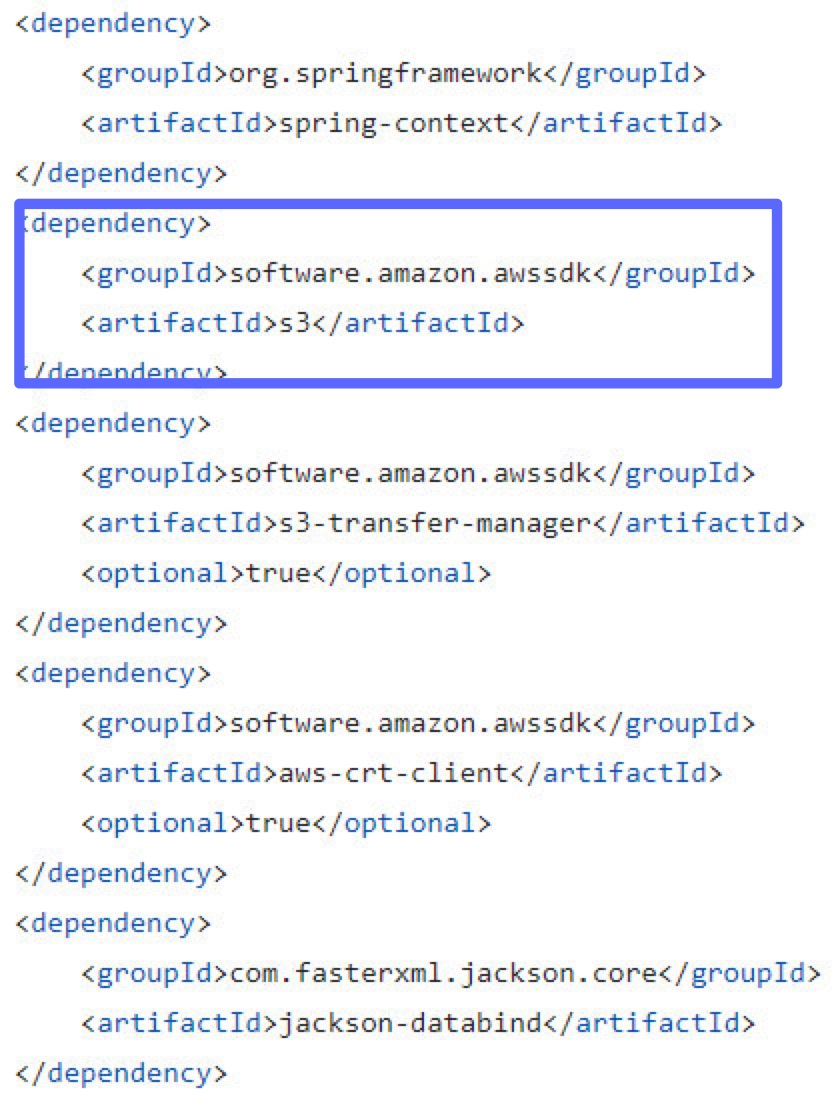
AWS SDK In Spring Cloud Community GitHub
Spring Cloud for AWS S3 Starter의 내부 의존성을 찾아보니 실제도 AWS SDK를 이용하여 구현된다는 것을 알 수 있다.
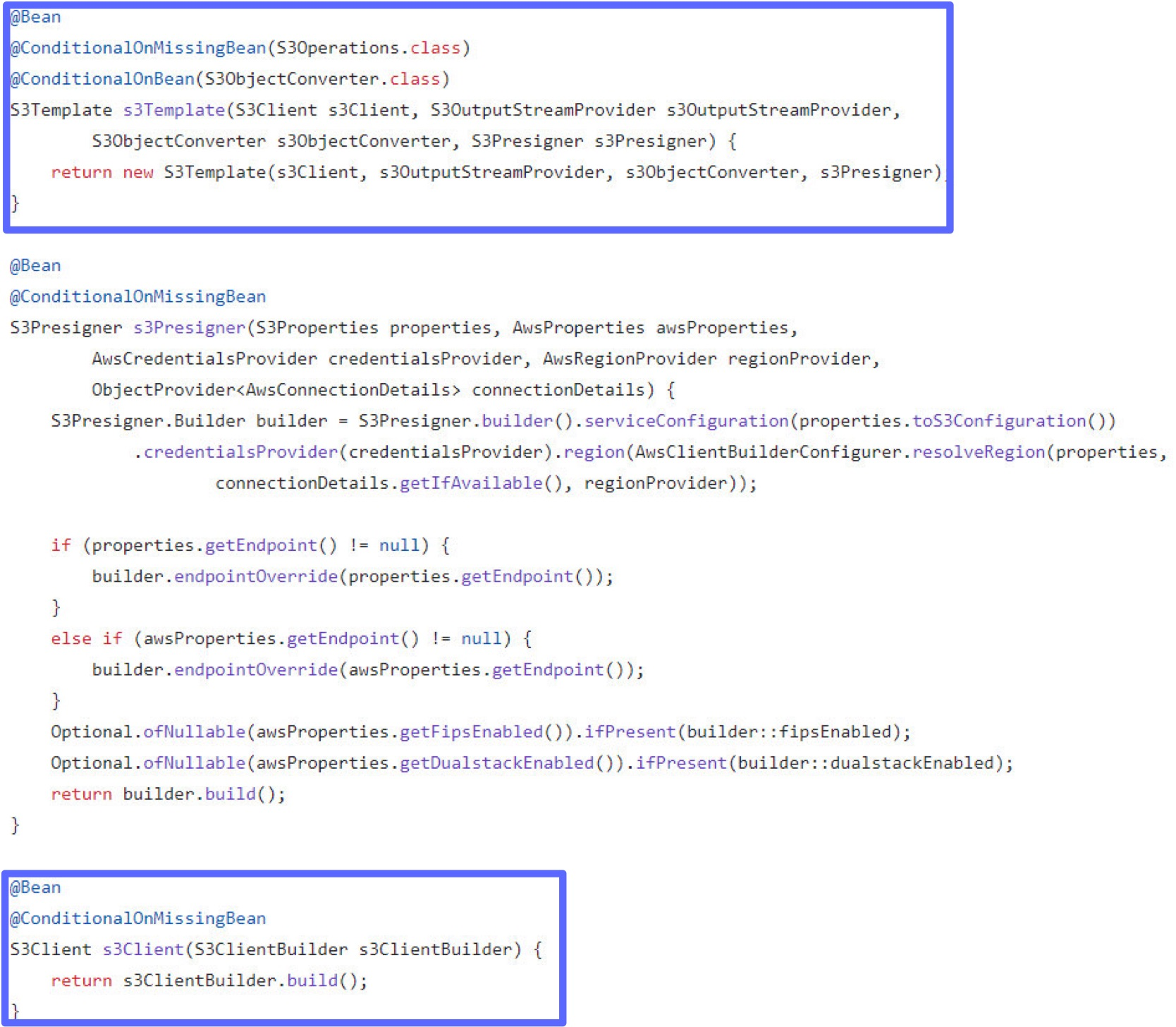
Bean 자동 등록 In Spring Cloud Community GitHub
S3Client, S3Operations, S3Template 타입의 빈이 조건에 따라 등록되는 것을 볼 수 있다.
마치며
간단한 소규모의 프로젝트라면 편리한 기능을 사용할 수 있는 오픈소스인 Spring Cloud의 S3Template을 이용해도 될 것 같고
대규모로 복잡한 기능이 필요한 프로젝트라면 공급자와 가까운 AWS SDK for Java를 이용하면 좋을 것 같다.
동일한 기술이라도 공식적으로 제공되는 SDK와 커뮤니티 등이 제공하는 오픈소스에서 제공하는 라이브러리가 존재하는 상황을 앞으로도 많이 마주치게 될텐데 오픈소스에서 어떻게 더 편리하게 풀어나가는지 예측하고 분석할 수 있는 안목이 길러진 것 같다.
소스코드
이 부분만 있으면 충분히 시작할 수 있을 것 같다.
환경변수
spring:
  cloud:
    aws:
      credentials:
        access-key: # Credentials 주의

        secret-key: # Credentials 주의
      s3:
        bucket: # Credentials 주의
      region:
        static: # Credentials 주의
S3Service
@Service
@RequiredArgsConstructor
public class S3Service {

    private final S3Operations s3Operations;

    @Value("${spring.cloud.aws.s3.bucket}")
    private String bucketName;

    public String uploadThumbnail(MultipartFile file) throws IOException {
        String fileName = UUID.randomUUID() + "_" + file.getOriginalFilename();

        try (InputStream inputStream = file.getInputStream()) {
            s3Operations.upload(bucketName, fileName, inputStream);
        }
        return "https://" + bucketName + ".s3.amazonaws.com/" + fileName; // S3 URL 생성
    }
}
'클라우드 환경 구축 프로젝트 > AWS' 카테고리의 다른 글
| [AWS] 아키텍처 멀티 리전 재해 복구(Disaster Recovery) 설계 (1) | 2024.11.12 |
|---|---|
| [AWS] Elasticache를 배치할 Subnet에 대한 명확한 기준 설정 (0) | 2024.11.08 |